> ## Documentation Index
> Fetch the complete documentation index at: https://docs.threataware.com/llms.txt
> Use this file to discover all available pages before exploring further.
# Network Inventory
> Devices detected by network-scanning integrations but not yet correlated to managed endpoints
**Tier:** Network Inventory surfaces alongside Stealth Device Detection and is included in the **Protect** tier. Customers on Connect or Discover do not see this page.
**Coverage-dependent:** the page is populated by network-scanning / discovery integrations (Lansweeper, Qualys, PDQ Inventory, etc.). If your tenant doesn't have one of these connected, the page will be sparse or empty — that's expected behaviour, not a bug. Connect a network-scanning source first.
## What it is
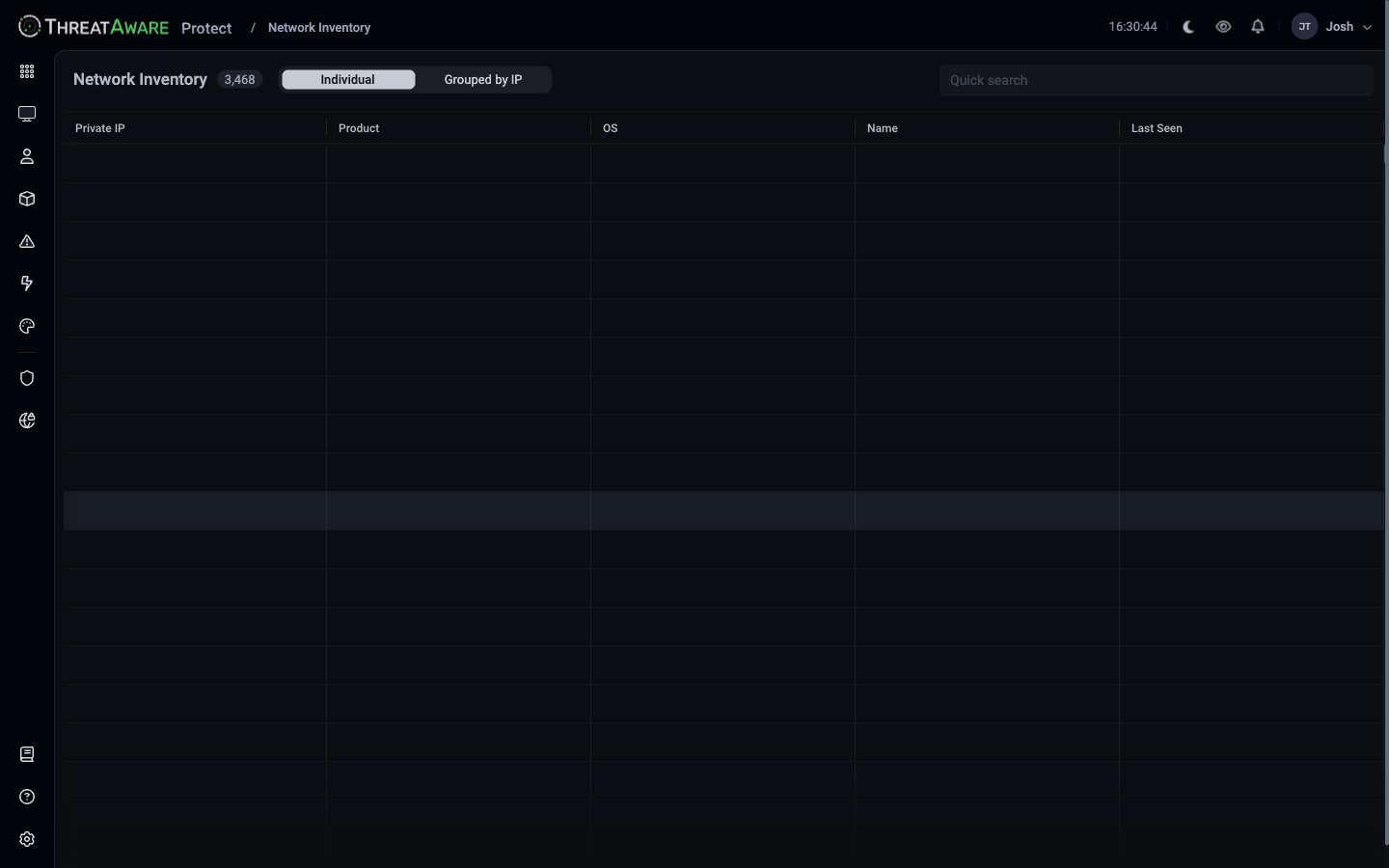
The **Network Inventory** at `/network-device-inventory` is the device-discovery feed from network-scanning sources (Lansweeper, Qualys, PDQ Inventory, etc.) — devices reported by those tools that haven't yet been matched into your unified [Devices](/device-management) inventory.
 ## What's here vs Devices
| | Devices | Network Inventory |
| ------------------------------------------- | --------------------------------------------- | -------------------------------------------------------- |
| Source | Identity + EDR + MDM + ITSM + network sources | **Network-scanning sources only** |
| Has been matched to a unified device record | Yes | Not yet |
| Has Vitals | Yes | No (or partial) |
| Has tags | Yes (via Logic Engine) | No |
| Has an assigned user | Often | Rarely |
| Why it's here | Your managed estate | Devices visible on the network that aren't in management |
This is where you find **stealth devices** — printers, IoT, contractor laptops, lab equipment, decommissioned-but-not-decommissioned servers — anything seen by Lansweeper / Qualys / similar that hasn't been correlated yet.
## Two views
The header toggle switches between:
| View | What you see |
| ----------------- | ----------------------------------------------------------------------------------------- |
| **Individual** | One row per network-detected device |
| **Grouped by IP** | Aggregated by Private IP — useful for identifying which IP ranges have un-managed devices |
## Columns (Individual view)
| Column | What it shows |
| -------------- | ------------------------------------------------------------ |
| **Private IP** | The internal IP the scanner saw |
| **Product** | Reporting integration (Lansweeper Scans, Qualys Scans, etc.) |
| **OS** | OS reported by the scanner |
| **Name** | Device hostname (if known) |
| **Last Seen** | Most recent detection by the scanner |
The grid is searchable via the **Quick search** box.
## Why these aren't in Devices
A device shows up in Network Inventory but not in Devices when:
* **No identity match** — the network scanner saw the device but no EDR / MDM / AD has it on file
* **Pre-matching** — Protect is still correlating; will move into Devices once enough signals align
* **Unmanaged hardware** — IoT, printers, network gear, projectors, lab kit
* **BYOD / contractor** — personal devices touching the network
* **Decommissioned** — a device removed from management but still pinging the network
* **Shadow IT** — a server someone stood up outside change control
## Operational workflows
Filter Individual view to OS = Windows / macOS / Linux. Cross-reference any device not in [Devices](/device-management) with your AD / Intune inventory. Each one is either:
* A device that should be enrolled in management (gap)
* A legitimate exception (document and tag)
* A decommissioned device still on the network (clean up)
Grouped by IP highlights ranges full of non-corporate devices. Useful for refreshing the printer fleet or doing IoT risk assessment.
During acquisition or new-office setup, Network Inventory shows what's on the network before management tooling has caught up. Great for sizing the integration work.
[Settings → Misc](/settings/misc) → **Enable Stealth Devices** turns on richer identification for these unmanaged devices. The Network Inventory page is the operational home for that capability.
## Cross-references
Managed-estate counterpart
Connect network scanners
Enable Stealth Devices
## What's here vs Devices
| | Devices | Network Inventory |
| ------------------------------------------- | --------------------------------------------- | -------------------------------------------------------- |
| Source | Identity + EDR + MDM + ITSM + network sources | **Network-scanning sources only** |
| Has been matched to a unified device record | Yes | Not yet |
| Has Vitals | Yes | No (or partial) |
| Has tags | Yes (via Logic Engine) | No |
| Has an assigned user | Often | Rarely |
| Why it's here | Your managed estate | Devices visible on the network that aren't in management |
This is where you find **stealth devices** — printers, IoT, contractor laptops, lab equipment, decommissioned-but-not-decommissioned servers — anything seen by Lansweeper / Qualys / similar that hasn't been correlated yet.
## Two views
The header toggle switches between:
| View | What you see |
| ----------------- | ----------------------------------------------------------------------------------------- |
| **Individual** | One row per network-detected device |
| **Grouped by IP** | Aggregated by Private IP — useful for identifying which IP ranges have un-managed devices |
## Columns (Individual view)
| Column | What it shows |
| -------------- | ------------------------------------------------------------ |
| **Private IP** | The internal IP the scanner saw |
| **Product** | Reporting integration (Lansweeper Scans, Qualys Scans, etc.) |
| **OS** | OS reported by the scanner |
| **Name** | Device hostname (if known) |
| **Last Seen** | Most recent detection by the scanner |
The grid is searchable via the **Quick search** box.
## Why these aren't in Devices
A device shows up in Network Inventory but not in Devices when:
* **No identity match** — the network scanner saw the device but no EDR / MDM / AD has it on file
* **Pre-matching** — Protect is still correlating; will move into Devices once enough signals align
* **Unmanaged hardware** — IoT, printers, network gear, projectors, lab kit
* **BYOD / contractor** — personal devices touching the network
* **Decommissioned** — a device removed from management but still pinging the network
* **Shadow IT** — a server someone stood up outside change control
## Operational workflows
Filter Individual view to OS = Windows / macOS / Linux. Cross-reference any device not in [Devices](/device-management) with your AD / Intune inventory. Each one is either:
* A device that should be enrolled in management (gap)
* A legitimate exception (document and tag)
* A decommissioned device still on the network (clean up)
Grouped by IP highlights ranges full of non-corporate devices. Useful for refreshing the printer fleet or doing IoT risk assessment.
During acquisition or new-office setup, Network Inventory shows what's on the network before management tooling has caught up. Great for sizing the integration work.
[Settings → Misc](/settings/misc) → **Enable Stealth Devices** turns on richer identification for these unmanaged devices. The Network Inventory page is the operational home for that capability.
## Cross-references
Managed-estate counterpart
Connect network scanners
Enable Stealth Devices