

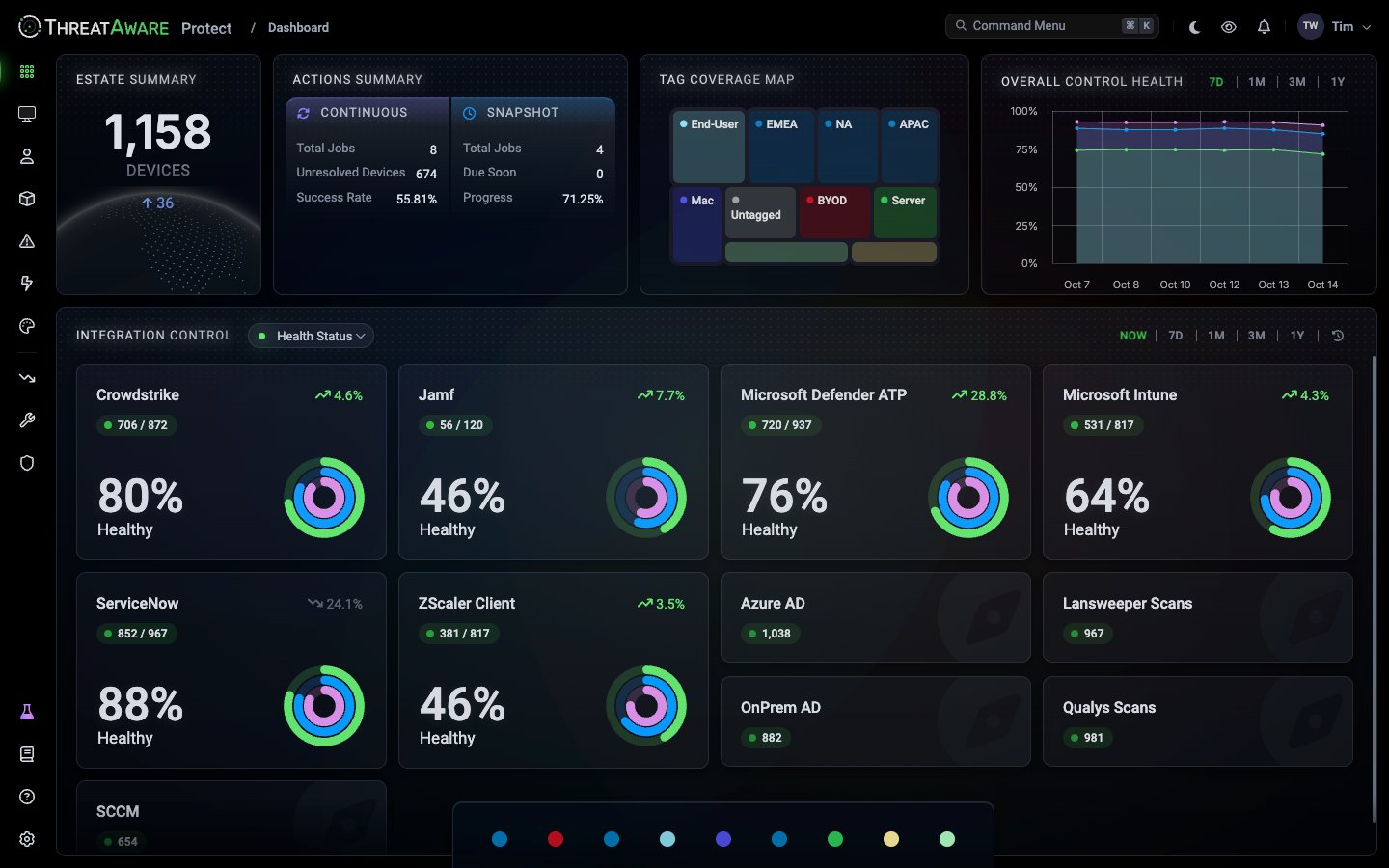
Panels
Using it
- Drill in. Click an Integration Control card to open Devices filtered to that integration.
- Filter by tag. The tag chips along the bottom filter the whole Dashboard to devices with that tag, such as
EMEAorServer. - Leave it open. There’s nothing to refresh or schedule. Opening the page always shows the current state.
Good use cases
- Daily stand-up: keep the Overall Control Health trend on screen.
- Security operations wall display: show Integration Control, so a failing integration stands out.
- Leadership walkthroughs: Estate Summary and Actions Summary tell the story without a slide.