

What’s in Settings
The Settings page (cog icon at the bottom of the left rail,/settings) is the tenant’s control panel. Every persistent configuration choice lives here:
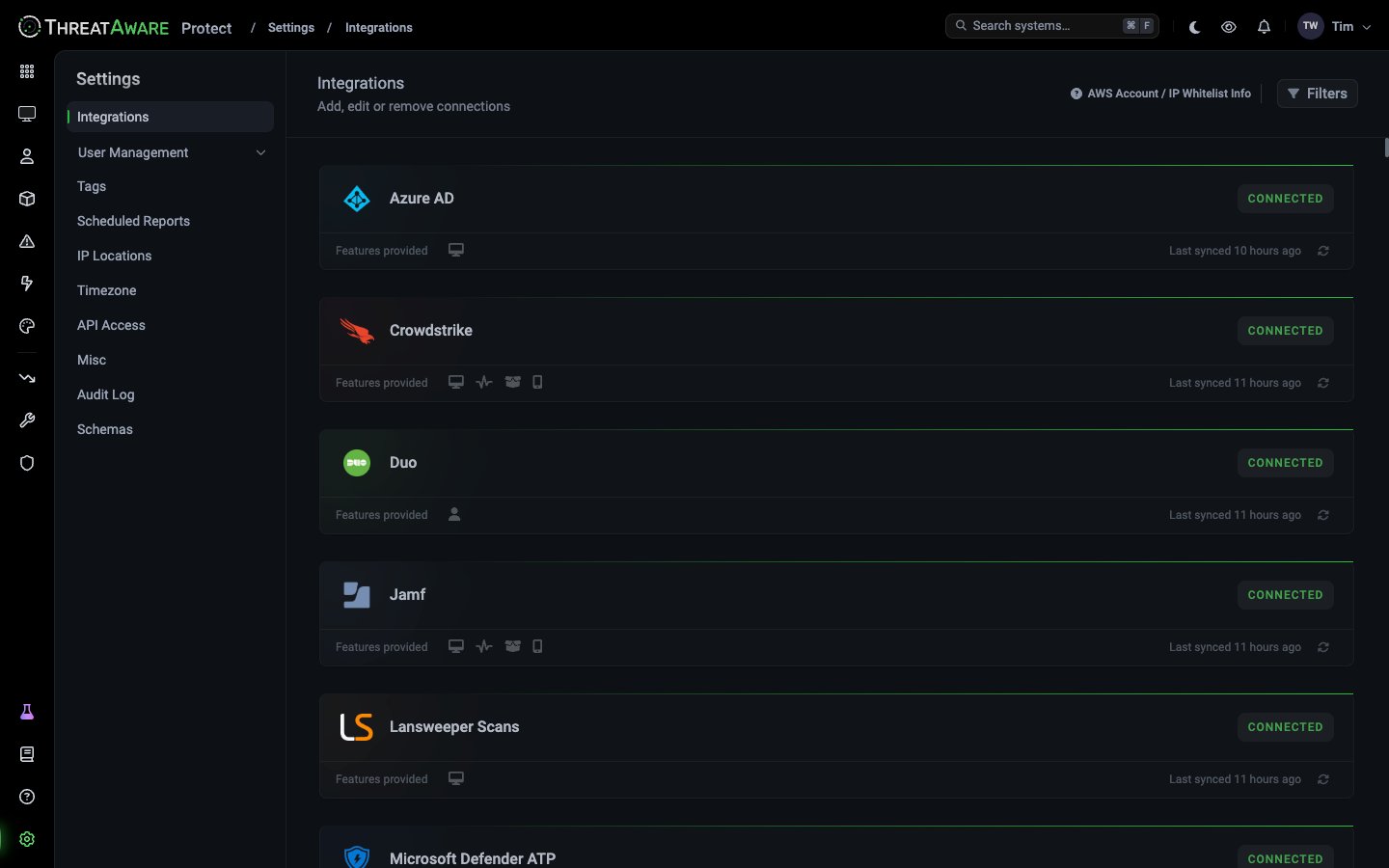
Who can access Settings
Settings access is controlled by role:
Configure custom permissions at Settings → Roles → Create Role.
The two “Users” — disambiguation
A common source of confusion:- Settings → Users — Platform users (people who log into ThreatAware)
- User Inventory — End-user inventory (every person across your organisation, pulled from identity sources)
Tenant-wide settings to review on day one
After onboarding, walk through these in order:- Misc → Inactive device threshold — default 30 days. Right for most; loosen for environments with extended-offline devices.
- Misc → Change default homepage — pick Dashboard or Device Explorer.
- Timezone — set client locale.
- Tags — review default tags, create the ones your organisation needs.
- Roles → Default roles — confirm the four defaults work for you, create custom ones where needed.
- Scheduled Reports — set up one starter recurring export.
- API Access — generate tokens for any automation you’ll run.
Cross-references
Access Control
The conceptual overview of users / roles / teams
Integrations
The conceptual overview of connections
Tags
The conceptual overview of tag rules